Technician and supervisor inspecting industrial maintenance equipment
WORK ORDERS

Keep work moving.

Assign, document and close each job with clarity.

Owner & status
Materials & photos
Service records
JOB CONTROL

One job. A complete record.

Keep the request, field activity and closeout connected.

Discuss your workflow
WORKFLOW01—04
01
Create

Customer, site and scope.

02
Assign

Responsible person and target date.

03
Execute

Progress, materials and job evidence.

04
Close

Signature and completed service record.

Illustrative steps; exact formats are confirmed during scoping.

Track the job. Show the result.

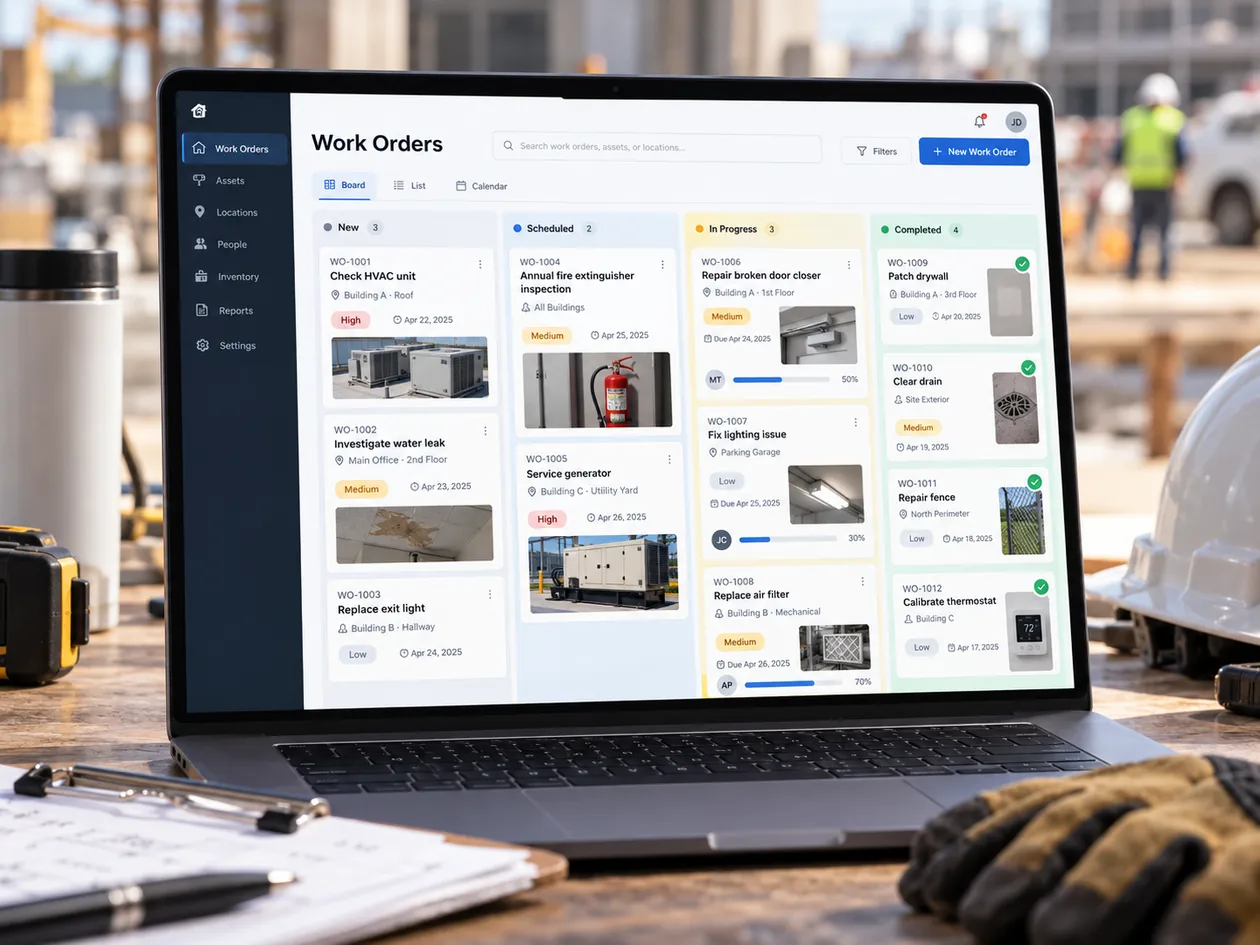
Illustrative concept of a work order management board showing different job stages
Job status at a glanceConcept illustration — not a live product screenshot
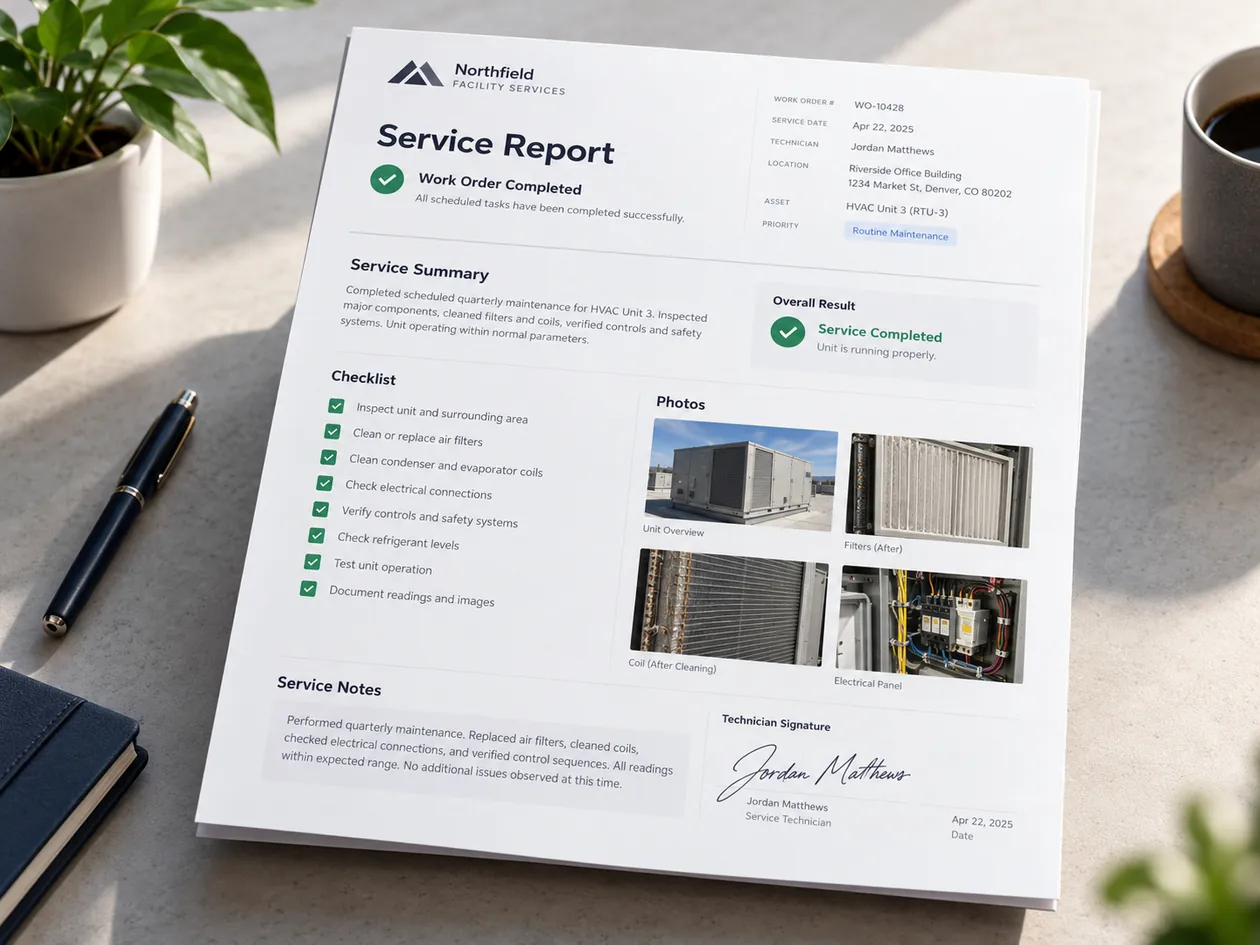
Illustrative service report with a completed work order checklist and equipment photographs
A clear closeout recordConcept illustration — not a live product screenshot

See what is happening on every job.

01

Clear ownership

Know what is new, active or completed.

02

Equipment context

Keep service details associated with the right asset when configured.

03

A documented handoff

Give managers and customers a record of what was completed.

LET'S TALK

Show us your work orders.

We’ll review your work order and reporting requirements.

Can our forms be different by type of service?

Service formats and checklists can be configured for the requirements of a defined implementation.

Does this replace our ERP?

Not necessarily. We first determine which work records and system handoffs are needed.